
最近在 GitHub 上发现了一个值得关注的项目——PraisonAI,连马斯克都曾转发点赞过它的 Grok 3 客户支持教程。
PraisonAI 是一个面向生产环境的全功能多智能体运行框架,由开发者 Mervin Praison 开源。它的核心理念是用极简的方式,让无论是新手还是企业技术团队,都能快速构建具备推理、记忆、自我改进与协作能力的复杂 AI 系统。
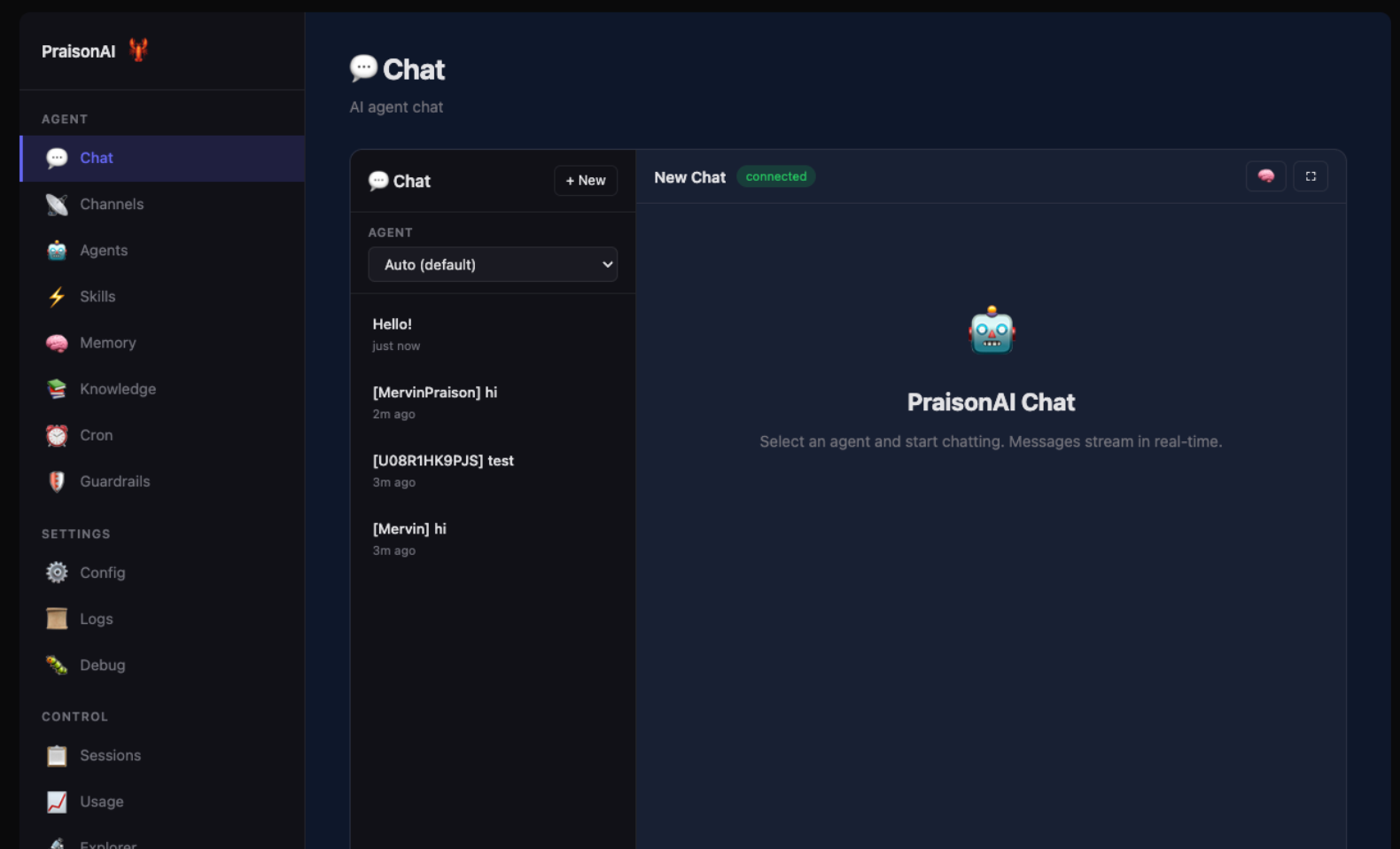
项目已积累 7.3K+ GitHub Star,社区活跃度高。更值得关注的是,它的智能体实例化时间仅为 3.77 微秒,比人类眨眼速度快 1000 倍,让大规模多智能体部署成为可能。
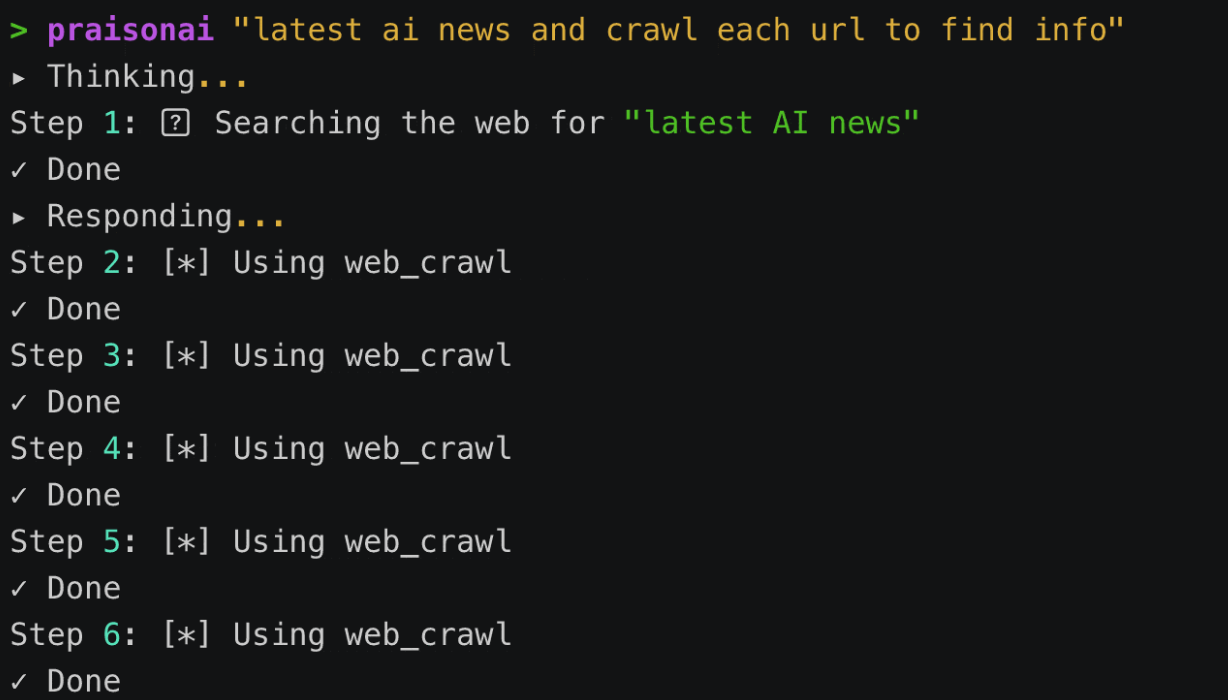
核心功能
低代码 + 无代码
PraisonAI 的开发门槛极低,提供两种模式:
- Python 代码模式:5 行代码就能部署一个智能体
- YAML 配置模式:完全零代码,写配置文件就能创建多个智能体
100+ 大模型支持
支持 OpenAI、Anthropic、Google、Ollama、Groq、DeepSeek 等 24 个主流大模型提供商,总计 100+ LLM 模型。可根据成本、性能、功能需求自由切换,不被任何供应商绑定。
完整的智能体能力
| 能力 | 说明 |
|---|---|
| 规划能力 | 先规划再执行,然后自我反思优化 |
| 记忆系统 | 零依赖的持久化记忆,开箱即用 |
| 自我反思 | 智能体会评估和改进自己的输出 |
| 任务交接 | 多智能体之间可以无缝交接工作 |
| 深度研究 | 多步骤自主研究能力 |
| 工作流编排 | 支持路由、并行、循环等模式 |
可视化拖拽编排
配合 LangFlow 集成,可以用拖拽方式构建多智能体工作流,不用写一行代码就能完成复杂的编排设计。
一键接入聊天平台
通过 Claw Dashboard,可以一键把智能体接入 Telegram、Discord、Slack、WhatsApp 等聊天平台,变成 24 小时在线的助手。
快速上手
安装
# 一键安装(推荐)
curl -fsSL https://praison.ai/install.sh | bash

# pip 安装
pip install praisonaiagents

# 完整安装(包含所有组件)
pip install "praisonai[all]"
设置 API 密钥:
export OPENAI_API_KEY="your-api-key"
Python 代码模式
from praisonaiagents import Agent

# 创建智能体
agent = Agent(instructions="You are a senior data analyst.")

# 启动任务
agent.start("Analyze the top 3 tech trends of 2026 and format as a markdown table.")
多智能体协作
from praisonaiagents import Agent, AgentTeam

# 研究员智能体
researcher = Agent(
    name="Researcher",
    instructions="Research topics thoroughly and gather comprehensive information"
)

# 作家智能体
writer = Agent(
    name="Writer",
    instructions="Write engaging, well-structured content based on research findings"
)

# 组建团队
team = AgentTeam(agents=[researcher, writer])

# 启动任务
team.start("Create a comprehensive blog post about the future of AI agents")
YAML 配置模式
创建 agents.yaml:
framework: praisonai
topic: "Write a blog post about AI trends"

agents:
  researcher:
    role: Research Analyst
    goal: Research AI trends and gather information
    instructions: "Find accurate, up-to-date information about the latest AI trends"

  writer:
    role: Content Writer
    goal: Write engaging blog posts
    instructions: "Write clear, engaging content based on the research findings"
运行:
praisonai agents.yaml
可视化编排
pip install "praisonai[flow]"
praisonai flow
浏览器访问 http://localhost:7861,用拖拽组件的方式创建复杂的多智能体工作流。
Claw Dashboard
pip install "praisonai[claw]"
praisonai claw
访问 http://localhost:8082,可以:
- 管理所有智能体
- 查看记忆和知识库
- 配置聊天平台接入
- 设置定时任务
- 监控运行状态
自定义工具
from praisonaiagents import Agent, tool

@tool
def search(query: str) -> str:
    """Search the web for information."""
    return f"Results for: {query}"

agent = Agent(instructions="You are a helpful assistant", tools=[search])
数据库支持
支持 PostgreSQL、MySQL、SQLite、MongoDB、Redis 等 20+ 数据库:
from praisonaiagents import Agent, db

agent = Agent(
    name="Assistant",
    db=db(database_url="postgresql://localhost/mydb"),
    session_id="my-session"
)
总结
PraisonAI 让 AI 从只能聊天问答,变成真正能跑完一整套工作流程的生产力工具。无论你是想快速做一个原型,还是要构建企业级的 AI 系统,PraisonAI 都是值得尝试的选择。
GitHub: https://github.com/MervinPraison/PraisonAI